Color, organized.
Explore, create, and edit color palettes on iPhone, iPad, and Mac. Hundreds of hand-picked palettes, generators powered by color theory and your photos, and one-tap hex copy. Everything syncs privately through iCloud.

Version 3.3 · What’s new
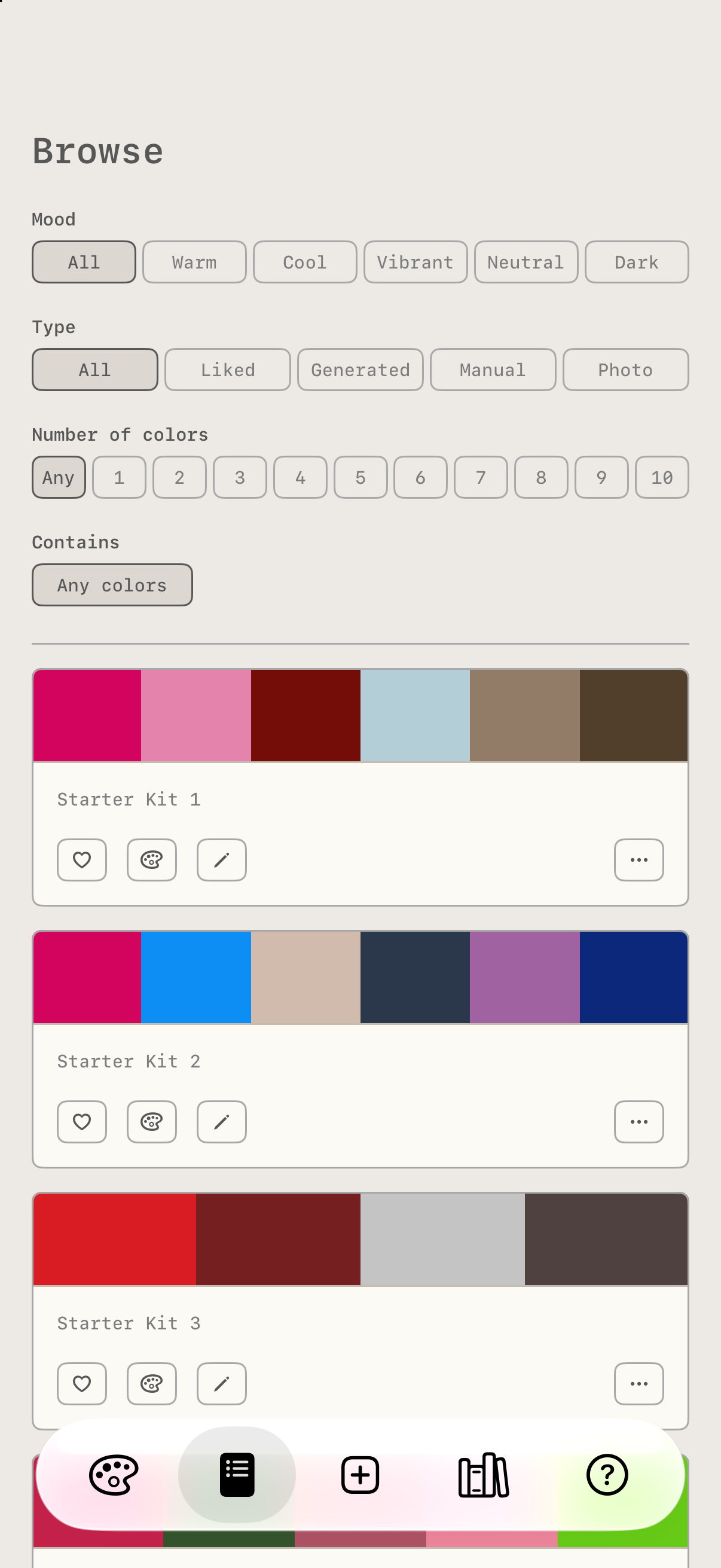
A curated library
800+ hand-picked palettes in the Starter Kit, organized by mood, plus packs you can show or hide. Filter by mood, type, number of colors, and the colors a palette contains.
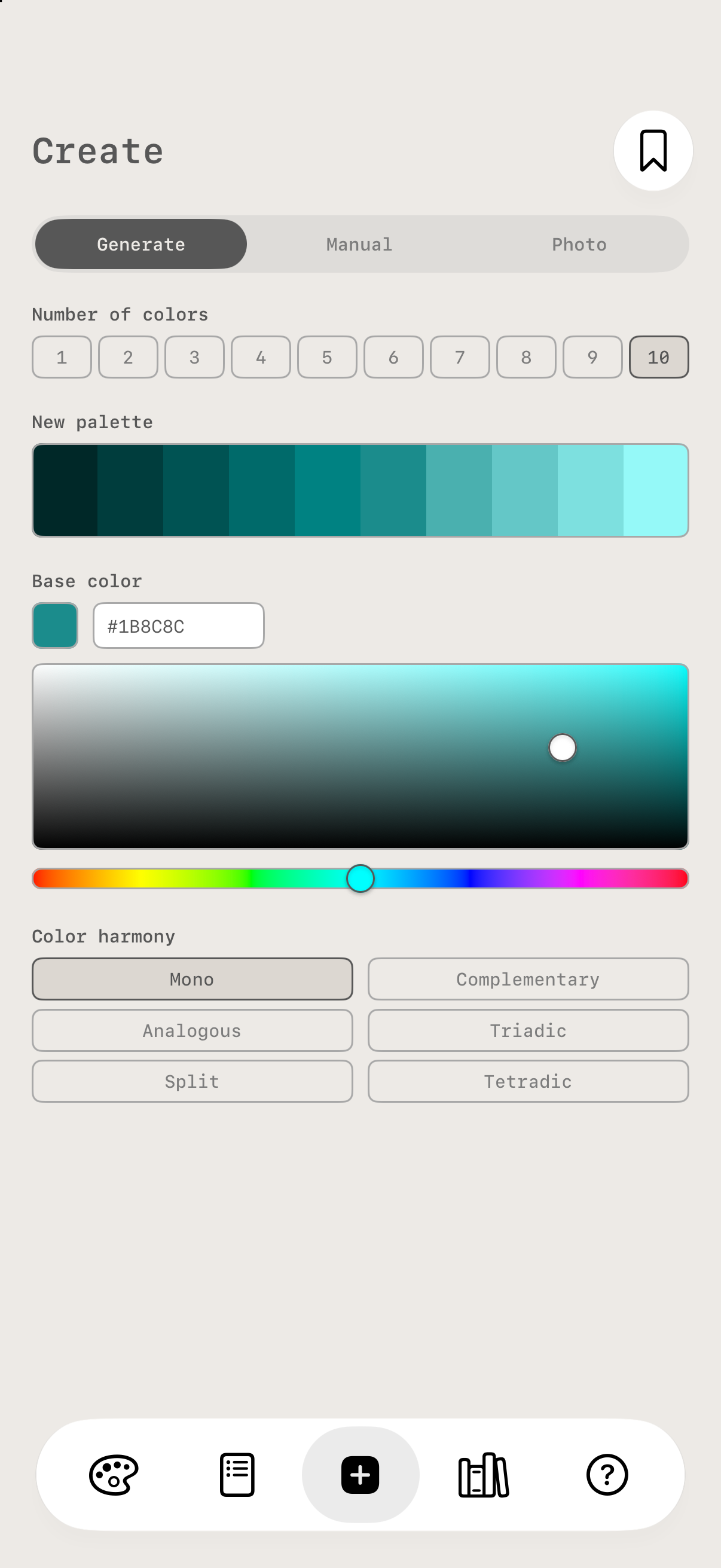
Create your own
Generate from a base color and a harmony scheme, build one by hand, or pull the dominant colors out of any photo and drag the sample points to pick exactly the colors you want. Schemes are computed in a perceptual color space, so they look balanced to your eye. Save names the palette and puts it on the canvas.
Edit and remix
Press and hold the palette to edit it in place: tap a color to recolor it, drag to reorder, add or remove colors up to ten. Every palette in Browse has an edit button too. Edit a built-in palette and your version saves as a new palette, with the original left untouched.
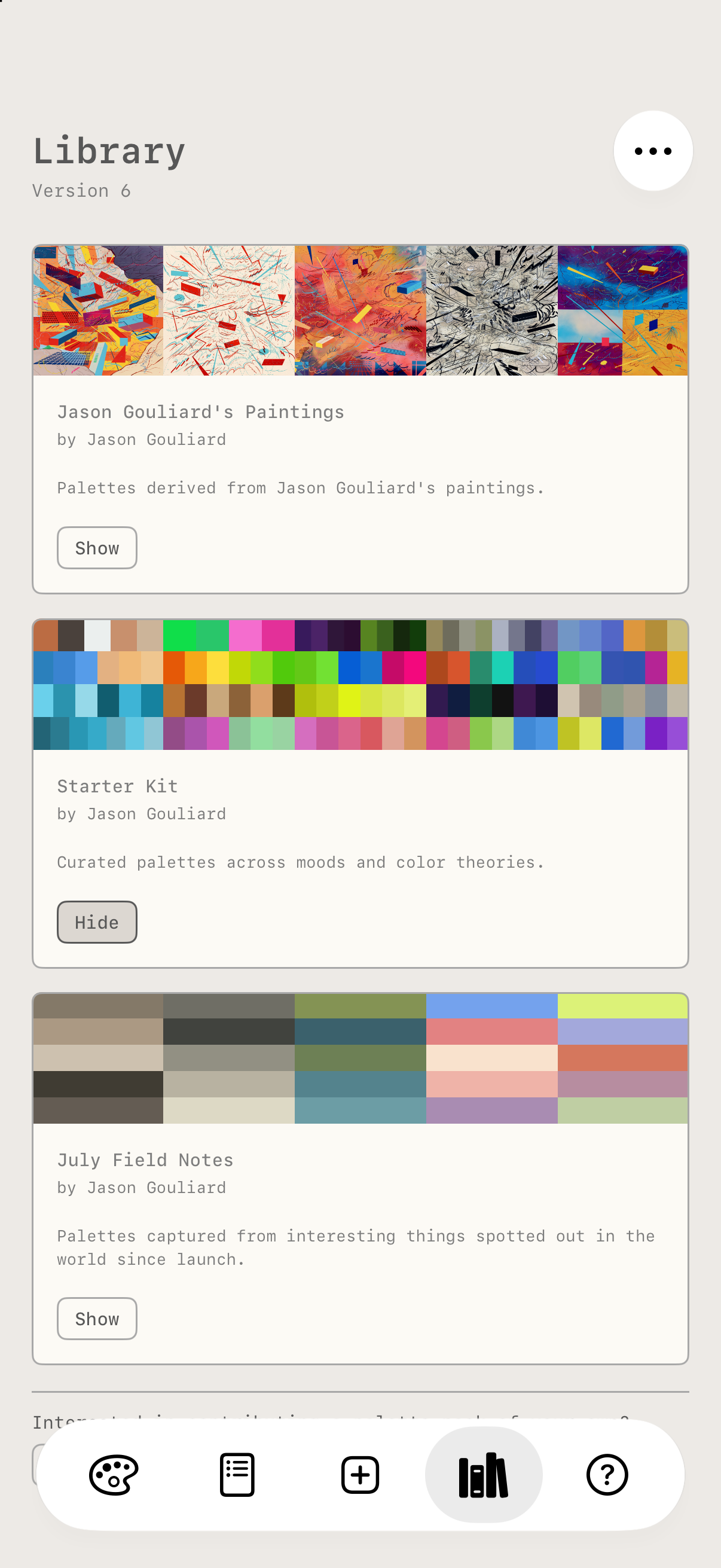
Palette packs
New packs arrive in the Library tab, always free. Show or hide any pack; the app checks for library updates every time it opens.
Ambient mode
Tap play and every bar disappears. One palette, one layout, then the next, on their own, until you tap the screen. Just color.
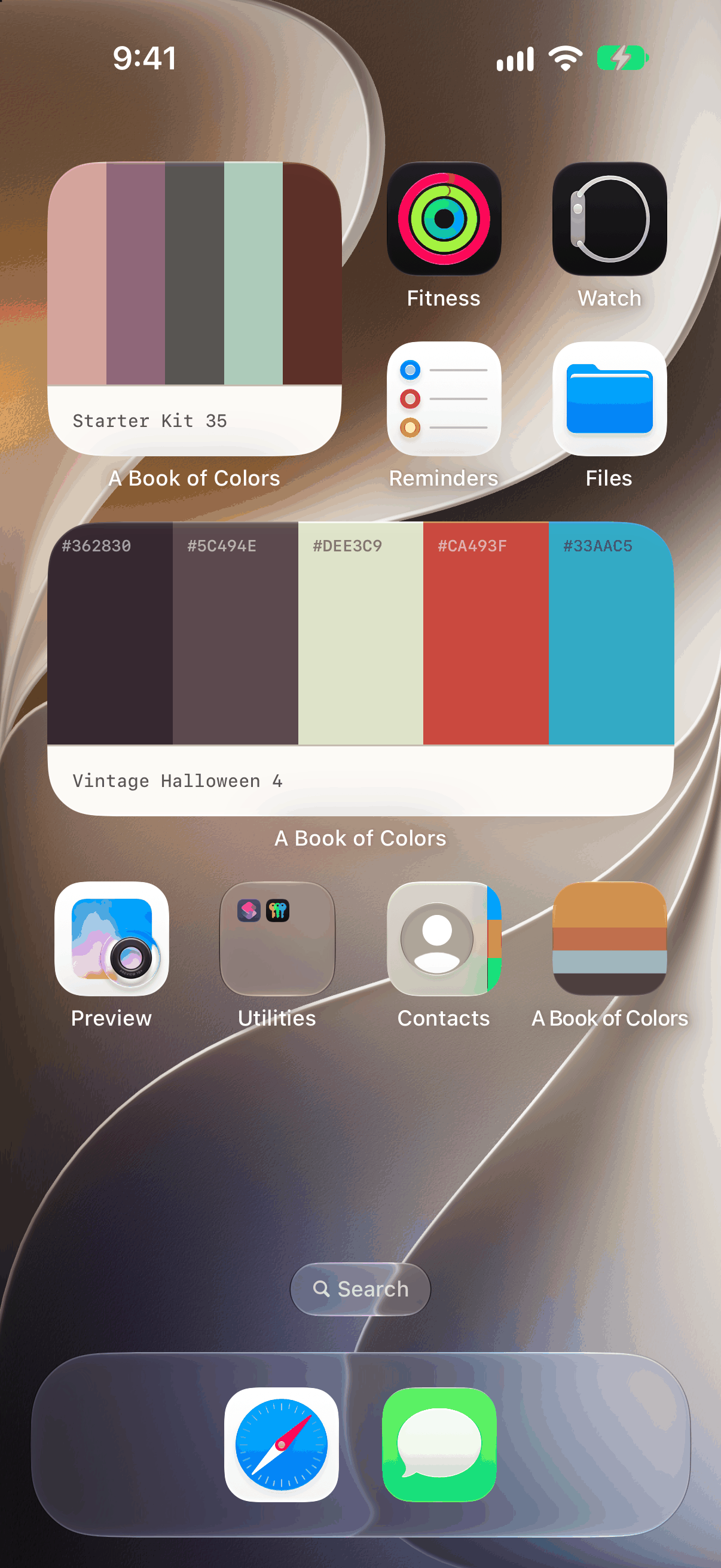
A palette an hour, on your Home Screen
Add the Palette widget in any size and it shows a different palette every hour from your liked palettes, your own, or any pack, drawn in the layout you chose for it. Tap it to open that palette, or tap its small arrow for a new one right away.
Take your palettes with you
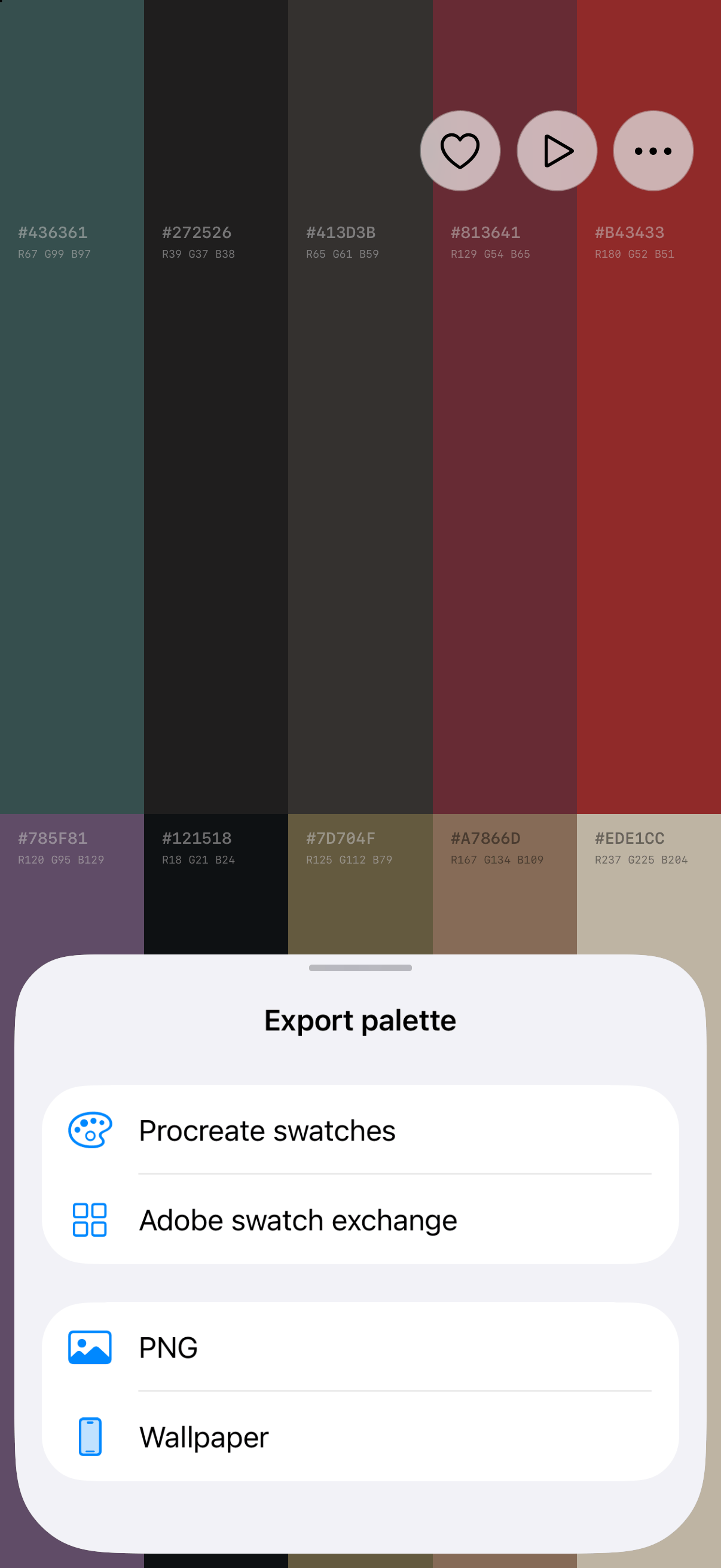
Export any palette as Procreate swatches, an Adobe swatch exchange file for Illustrator and Photoshop, a labeled PNG, or a wallpaper sized exactly to your screen. Export PDF turns any set of palettes into a printable document, one palette per page, Letter or A4.
Siri, Shortcuts, and Spotlight
Ask Siri to open a random palette or make one from a photo. Add the Open palette and Make palette from photo actions to your own shortcuts. Search any palette by name in Spotlight and open it from there.
Optimized for iPhone Duo
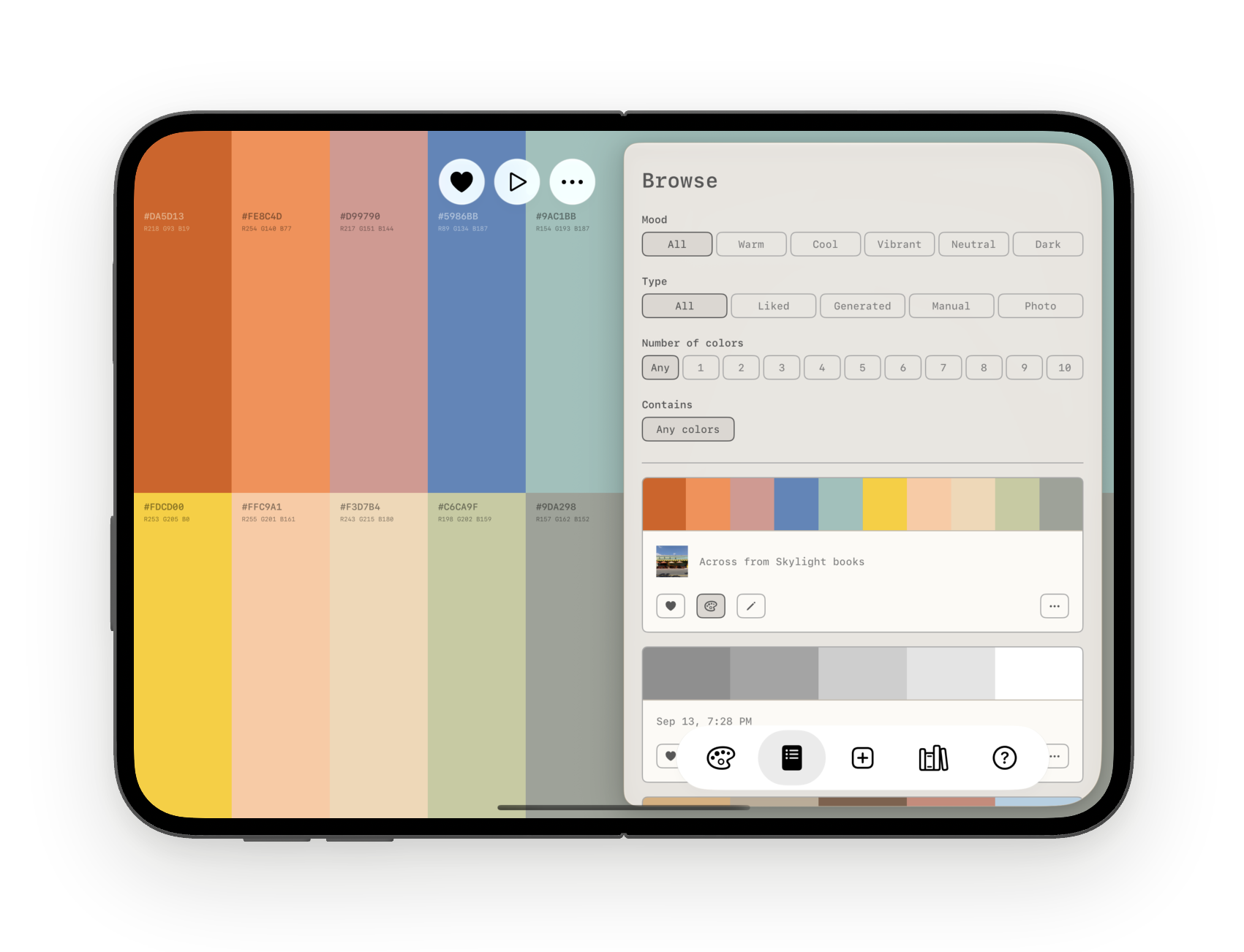
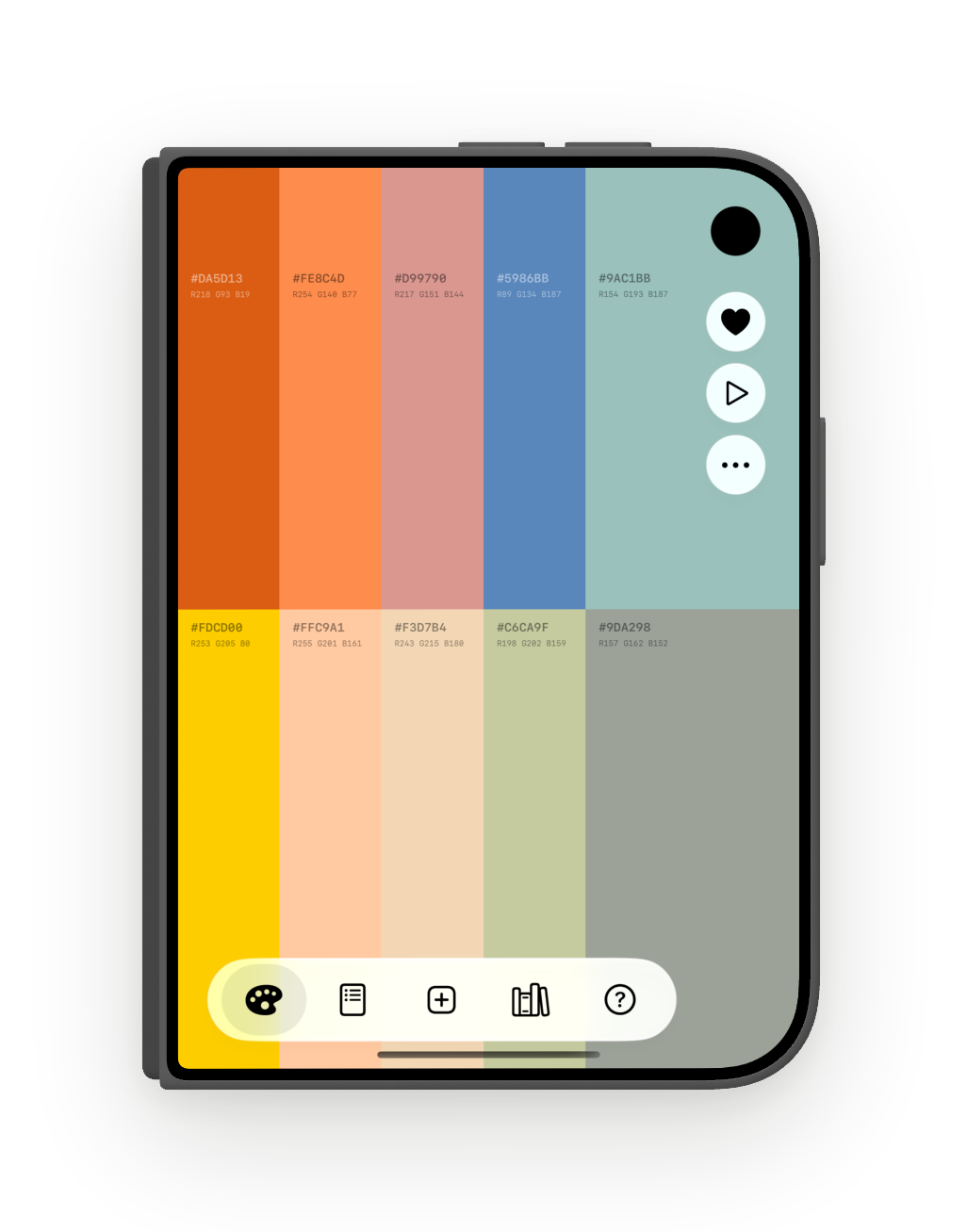
Open the Duo and the palette sits beside the page on the inner display, the way it does on iPad. Fold it and you have the phone app, with the actions lined up under the camera. Every layout, from the folded outer display to the open inner one, is the same app and the same palette.
A full Mac app
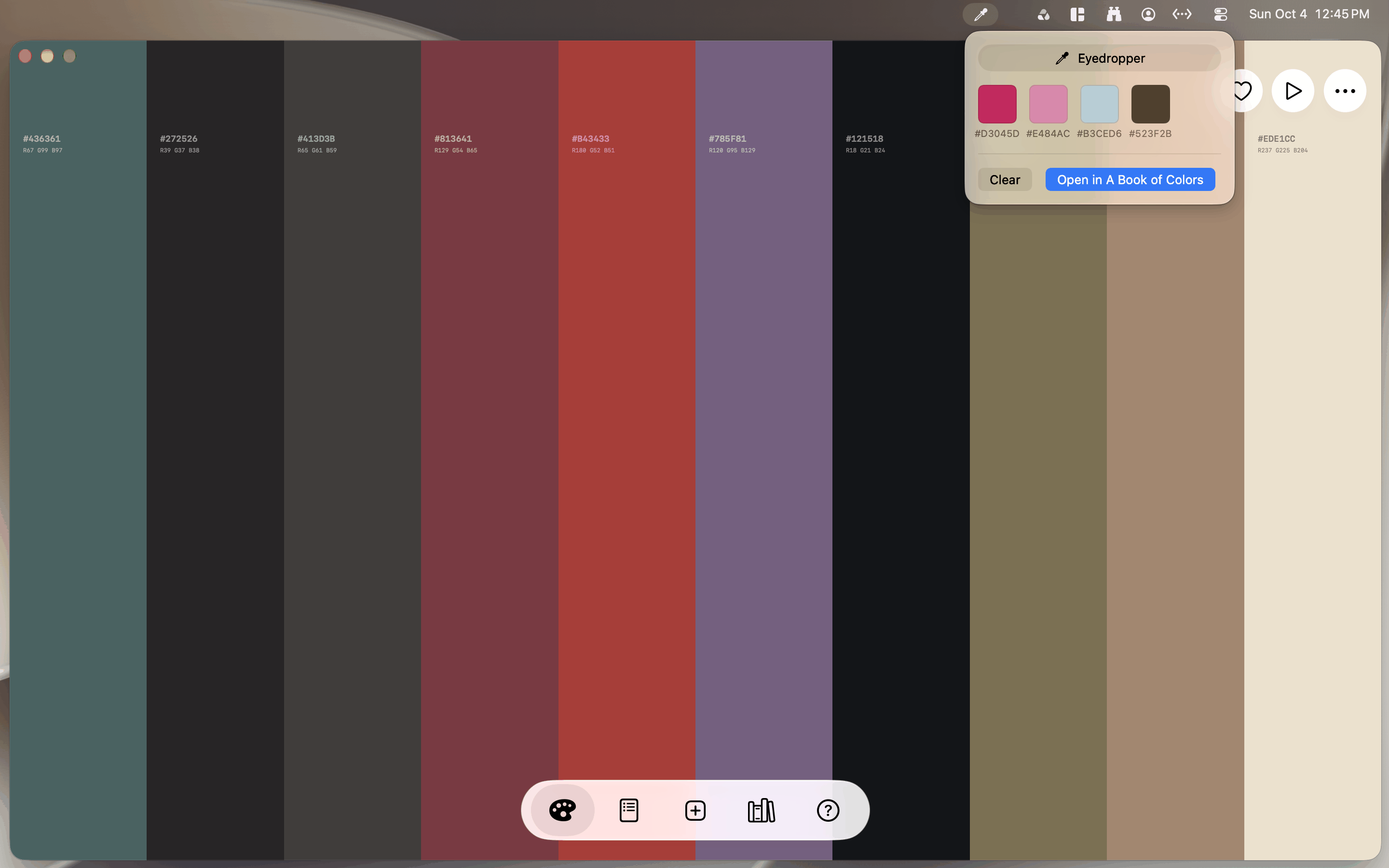
One window, with the palette on the left and Browse, Create, Library, and Guide on the right. An eyedropper in the menu bar samples any color on screen, in any app, keeps up to ten samples with their hex codes, and opens them as a new palette in one click. The Palette widget sits on your desktop, Spotlight and Shortcuts work here too, and ⌘1 to ⌘5 jump to any tab, ⌘E edits on the canvas, and ⇧⌘A starts Ambient mode.
Syncs everywhere, private to you
Saved palettes, photo extractions, generated palettes, and likes sync across every device on your iCloud, including source photos. No accounts, no tracking, nothing shared with anyone.
How it works
 Swipe up for a new palette
 Swipe down to bring back the last one
 Swipe left or right to change the layout
 Tap a color to copy its hex code
 Press and hold a color to edit the palette. Recolor, reorder, add or remove colors, then tap the checkmark
 The tabs open Browse, Create, Library and Guide next to the palette on iPad and over it on iPhone. The first tab shows the palette on its own
 Tap the bookmark to save the palette you are working on. Saved palettes live in Browse
 Tap the heart to like a palette. Liked palettes are under Type in Browse
 Tap play for Ambient mode: palettes change on their own until you tap the screen
 Tap the three dots to export the palette as an image or a swatch file, or choose Export PDF to put the palettes you pick in one document. Your own palettes can be renamed or deleted there too
 In Browse, the heart likes a palette, the palette icon loads it, and the pencil opens it for editing
 Create makes a palette three ways: Generate from color theory, Manual from your own colors, or Photo from a picture. Save puts it on the palette
 Ask Siri or use Shortcuts to open a random palette or make one from a photo. Search for a palette's name in Spotlight to open it
 Add the A Book of Colors widget to your Home Screen for a palette an hour from your liked palettes, your own, or any pack. Tap it to open that palette